Motherboard Notes
Power Indicator Light
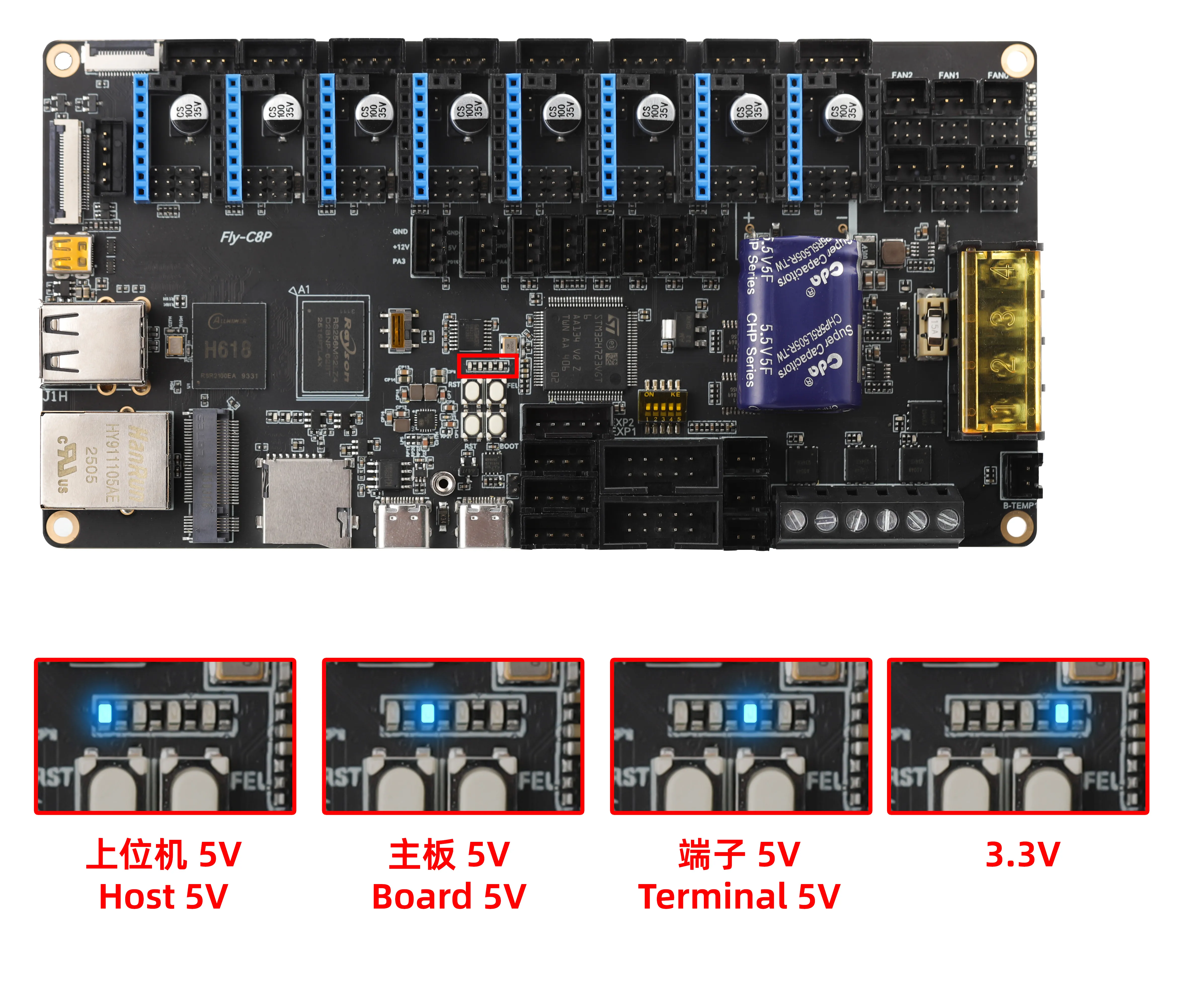
Troubleshooting
Note
- With no external devices connected (drivers, limit switches, 12864, etc.)
- The
3.3Vlight should stay on constantly when powered solely via TYPE-C
- If the
5Vlight does not turn on after connecting the motherboard power and driver power, please contact customer service
Drivers
- The motherboard supports external drivers Wiring and Configuration Guide
Limit Switch Ports
- Please pay attention to the wiring order. For three-wire limit switches, make sure to identify 5V, GND, and S correctly, as incorrect wiring could potentially damage the motherboard
- For two-wire switches, simply connect S and GND
- PL08 and other proximity switches require an external diode on the signal pin to reduce voltage below 3.3V
Loading...